How Can I Use FencR? A Guide for Athletes, Parents, Coaches, and Club Admins
FencR gives every person at your club a role built for them. Here is exactly what athletes, parents, coaches, and club admins can do, side by side, including the full capability matrix.
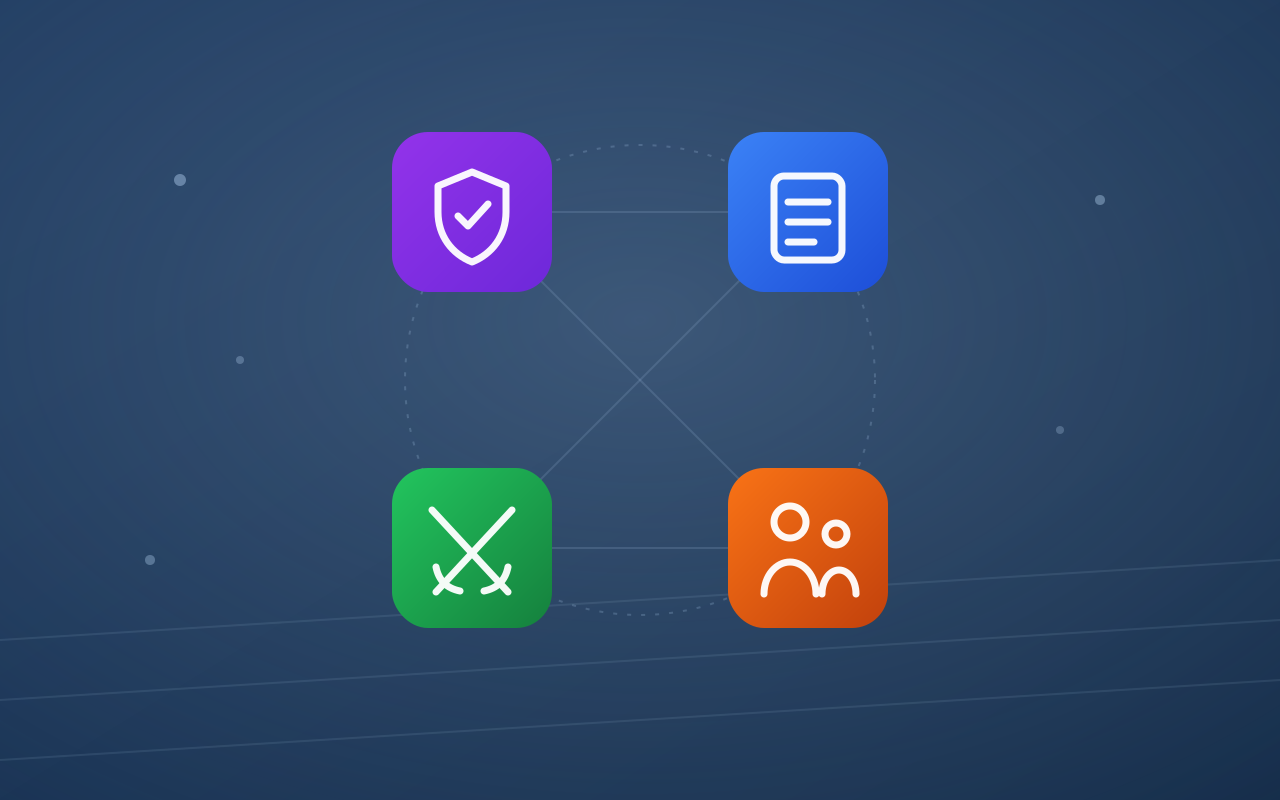
Every fencing club is really four groups of people sharing one space: the athletes on the strip, the parents in the lobby, the coaches running the floor, and the admin keeping the whole thing solvent. FencR gives each of them a view built for exactly what they need to do, nothing more, nothing less.
This guide walks through how to use FencR in each role, then puts everything side by side in a full capability matrix.
Roles on FencR are assigned per club, not per account. The same person can be an admin at one club, a coach at a second, and a parent at a third, and switch between them from the dashboard. And because FencR is completely free, every club gets every feature with no caps or tiers.
Self-service member: books sessions against a plan, tracks credits, signs waivers.
- Browse and book sessions
- Track plan credits
- Pay own invoices when no parent payer
Runs their children's fencing lives under a COPPA-compliant flow.
- Create and manage child accounts
- Book and enroll on a child's behalf
- Payer of record for minors
Day-to-day operations: schedule, athletes, attendance, and messaging.
- Create sessions and lesson blocks
- Take attendance, manage rosters
- Message members
Full control: roster, schedule, plans, billing, integrations, public presence.
- Plans, invoices, and payments
- Stripe, Zelle, and calendar integrations
- Analytics and club settings
How to use FencR as an Athlete
AthleteAs an athlete, FencR is your booking and membership home. Your dashboard shows your upcoming bookings and how much of your plan you have used this period.
- Browse and book sessions. Your schedule is scoped to your group and training location, so you only see sessions that are actually open to you: group practices, private lesson slots, open fencing, and tournaments.
- Spend and track credits. If you are on a credit-based plan, each booking draws down your quota and your dashboard shows the running balance. Longer lessons cost proportionally more credits, so the ledger always reflects real training time.
- Cancel with confidence. Cancel before your plan's cutoff window and the credit returns to your balance automatically.
- Enroll in plans. If your club has self-enrollment turned on, you can join a plan or buy a one-time pack directly. If a coach assigns you a plan instead, it appears as a "Set up payment" card until you complete checkout.
- Pay your own invoices. Adult athletes with no parent payer view and pay their invoices in the app, by card through the club's Stripe account or manually via Zelle, cash, or check.
- Sign waivers. If your club requires a waiver, you sign it in the app and your membership unlocks the moment it is recorded.
How to use FencR as a Parent
ParentMost fencers start young, so FencR treats parents as first-class users rather than an afterthought. Everything about your children's fencing runs through your account.
- Manage child accounts. Create accounts for your children under FencR's COPPA-compliant consent flow. When a child is old enough, they can claim their own login without losing any history.
- Enroll children in plans. Sign each child up for the membership or lesson pack that fits them, and manage those memberships as they change.
- Book on their behalf. Reserve and cancel sessions for your children from your own dashboard, with the same credit and cutoff rules athletes get.
- Pay the bills. You are the payer of record for your minor children. Their invoices come to you, and you settle them by card or a manual method the club accepts.
- Sign waivers for your children. Required club waivers are signed by you on their behalf.
A parent with children at two different clubs sees both from one account. The club switcher keeps each club's schedule, plans, and invoices cleanly separated.
How to use FencR as a Coach
CoachCoaches get the operational middle of the app: everything needed to run the floor day to day, without the billing and configuration surface that belongs to the admin.
- Create and manage sessions. Group practices, private lessons, open fencing, and tournaments, with recurrence for weekly schedules.
- Build bookable lesson blocks. Publish time slots athletes can book, tile them to your base lesson length, drag to move them, and set a coach per slot.
- Book for athletes. Place an athlete into a session, reassign athletes between slots, and override when the situation calls for it.
- Take attendance. Mark who showed up so the club's participation analytics stay honest.
- Work the roster. View members, open a member's detail to see their plan usage and history, and manage their training locations.
- Message members. Email an individual, a group, or the whole club from the messaging composer.
Coaches also share one admin permission: they can assign plans to members, even though the full plans page lives in the admin sidebar. And like every active member, coaches train too: My Plans and My Billing let them enroll themselves in a plan, track their own credits, and pay their own invoices, exactly like an athlete.
How to use FencR as a Club Admin
Club AdminAdmins hold the keys. Everything a coach can do, plus the club's money, configuration, and public presence.
- Build the roster. Invite members by email, add unclaimed placeholders for people who have not signed up yet, archive departures, and set each member's role.
- Design plans and packs. Unlimited memberships, lesson or practice credit quotas, and one-time packs, each with its own price, billing cycle, and cancellation cutoff.
- Run billing. Create and send invoices, mark manual payments as paid, and let Stripe invoices settle themselves through the webhook. Refunds issued in Stripe are mirrored back automatically.
- Connect integrations. Stripe Connect for card payments, Zelle for manual routing, and Google Calendar sync for the schedule.
- Read the analytics. Practice and membership dashboards show session mix, attendance, cancellations, and revenue trends.
- Manage waivers. Upload the club waiver, require it for membership, and review signatures, including paper uploads.
- Shape the public page. The club's public profile, embeddable schedule and join widgets, weapons offered, self-enrollment, and timezone all live in club settings.
Who can do what: the FencR capability matrix
The same information, side by side. Useful for spotting exactly where each permission line is drawn.
Schedule
| Capability | Admin | Coach | Athlete | Parent |
|---|---|---|---|---|
| View the schedule | ✓ | ✓ | ✓ | ✓ |
| Create, edit, or cancel sessions | ✓ | ✓ | — | — |
| Book a session for themselves | ✓ | ✓ | ✓ | ✓ |
| Book for another (athlete or child) | ✓ | ✓ | — | ✓ |
| Take attendance | ✓ | ✓ | — | — |
Booking yourself is self-service for any active member: staff self-bookings follow the same quota and credit rules as athletes, and coaches and admins additionally get a no-credit "join as staff" option for sessions they are attending to run.
People
| Capability | Admin | Coach | Athlete | Parent |
|---|---|---|---|---|
| View the roster | ✓ | ✓ | — | — |
| Invite, add, or archive members | ✓ | ✓ | — | — |
| Set member roles | ✓ | — | — | — |
| Message members | ✓ | ✓ | — | — |
| Manage own children (COPPA) | ✓* linked | ✓* linked | ✓* linked | ✓ |
Managing children is data-driven, not role-driven: any member with linked children gets the Children page and can book and enroll on a child's behalf, whatever their role.
Plans and billing
| Capability | Admin | Coach | Athlete | Parent |
|---|---|---|---|---|
| Create or edit plans and packs | ✓ | — | — | — |
| Assign a plan to a member | ✓ | ✓ | — | — |
| Enroll in a plan | ✓ | ✓ | ✓ | ✓ |
| Create and send invoices | ✓ | — | — | — |
| Pay an invoice | ✓ | ✓ | ✓* no parent | ✓ |
| View own plan credits and usage | ✓ | ✓ | ✓ | ✓ |
Enrolling, paying, and tracking credits are self-service for every active member. Coaches and admins do it from My Plans and My Billing; parents also enroll and pay on a child's behalf.
Club configuration and insight
| Capability | Admin | Coach | Athlete | Parent |
|---|---|---|---|---|
| Analytics dashboards | ✓ | ✓* own sessions | — | — |
| Integrations (Stripe, Zelle, Calendar) | ✓ | — | — | — |
| Club settings and public page | ✓ | — | — | — |
| Manage waivers | ✓ | — | — | — |
| Sign a waiver | — | — | ✓ | ✓* for child |
Coaches get a My Coaching analytics view scoped to their own sessions only. And waivers are deliberately a member-facing flow: athletes sign for themselves, parents sign for their children, and staff are never prompted.
Everyone
| Capability | Admin | Coach | Athlete | Parent |
|---|---|---|---|---|
| Personal settings and notifications | ✓ | ✓ | ✓ | ✓ |
| Switch between clubs | ✓ | ✓ | ✓ | ✓ |
| Help and documentation | ✓ | ✓ | ✓ | ✓ |
Frequently asked questions
Can I have different roles at different clubs on FencR? Yes. Roles are assigned per club, so the same account can be an admin at one club, a coach at another, and a parent at a third. A club switcher in the dashboard moves you between them.
Is FencR really free? Yes. FencR is completely free for clubs and members. There are no account tiers, no feature gating, and no member or location caps. Every club gets every feature.
How do young fencers join a club on FencR? Through their parent. FencR follows a COPPA-compliant flow where the parent creates and manages the child's account, provides consent, enrolls them in plans, books sessions on their behalf, and pays their invoices.
Who pays invoices on FencR? The payer of record. For a minor athlete that is always the parent. Adult athletes without a linked parent view and pay their own invoices, by card through Stripe or manually via Zelle, cash, or check.
Do coaches handle billing on FencR? Coaches focus on the floor: schedule, rosters, attendance, and messaging. They can assign plans to members, but creating invoices, billing setup, and integrations belong to the admin. Coaches do get a My Coaching analytics view scoped to their own sessions.
Get started
Whatever seat you hold at your club, the way in is the same. Clubs create their club page in a few minutes, and members join from an invite or the club's public page. If you want the deeper reference on any feature above, the documentation covers every flow step by step.