FencR 2.4: Drop-In Practices, and Billing in Canadian Dollars
FencR 2.4 lets you open any practice for self-serve sign-up: flip one switch and members book their own spot, spending practice credits as usual, with optional targeting by member group. And Canadian clubs can now run their billing in Canadian dollars end to end: set the club currency once, and every new plan, invoice, product, and camp rate is created, charged, and paid out in CAD through your own Stripe account. Free for every club, as always.
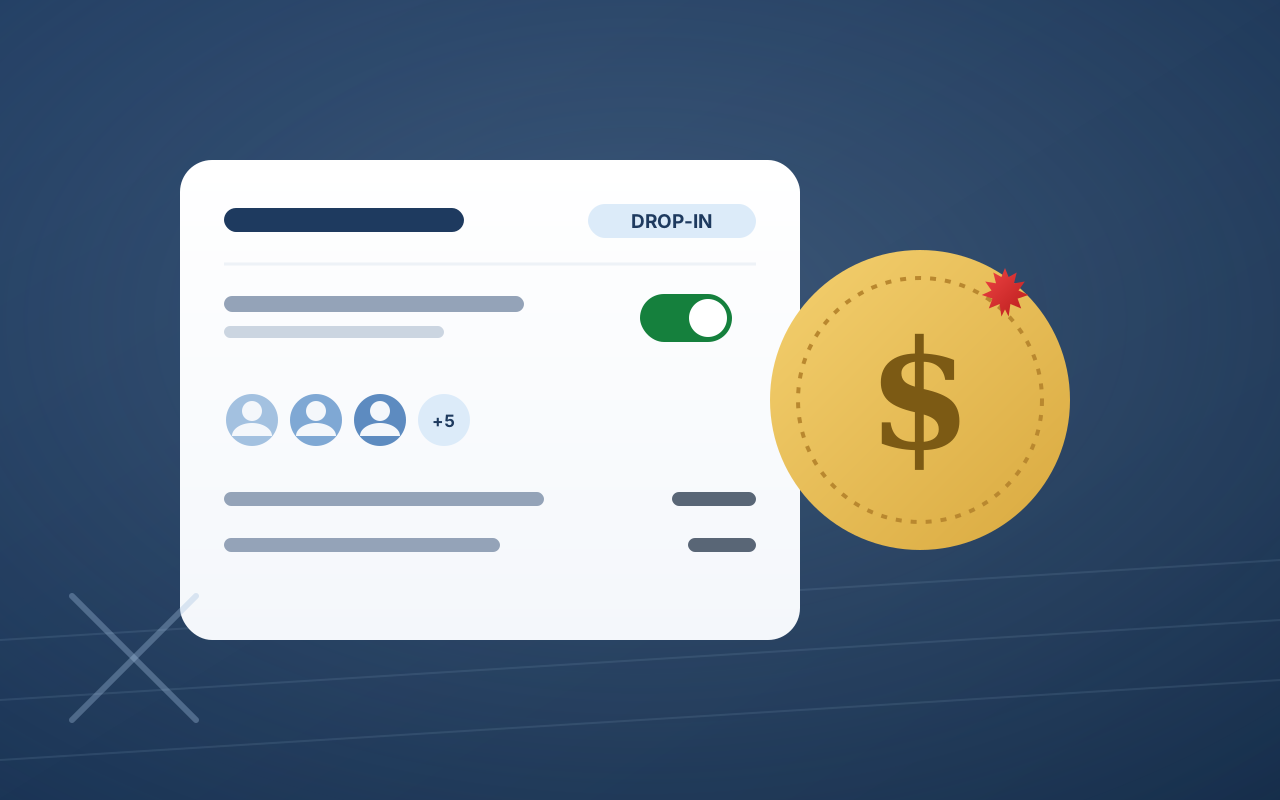
FencR 2.4 is live for every club, and it answers two long-standing asks in one release: let members put themselves into a practice, and let Canadian clubs bill in their own dollars.
Open any practice for drop-in sign-up
Practices on FencR have always been staff-assigned: a coach places each athlete. That is still the default, because most clubs want the roster curated. But some sessions are built for whoever shows up, and now the schedule knows the difference.
When you create or edit a practice, there is a new option: Let members sign themselves up. Tick it and that session becomes a drop-in practice:
- It appears on members' calendars with a Drop-in chip, so eligible members see it and book their own spot in two taps.
- Credits work exactly as usual. A self-booked spot spends a practice credit the same way a coach-assigned one does, and your club's cancellation cutoff applies unchanged.
- You can aim it at the right people. Limit sign-up to specific member groups, say your competitive squad or your adult program, and only those members see the open door. Leave the groups empty and every active member is welcome.
- Each session decides for itself. Opting in one Tuesday does not opt in the series. Recurring practices can mix open and staff-assigned sessions freely, and booking ahead through a series only ever lands on the sessions that are actually open.
Everything downstream behaves like a normal booking: attendance, check-in at the kiosk, analytics, and the staff booking digest all see a drop-in booking as the booking it is.
If you want the full picture, including how group targeting and eligibility work for parents booking for their children, read the drop-in practices guide.
Canadian clubs, Canadian dollars
Until now, a Canadian club on FencR billed its members in US dollars, and conversion costs quietly shaved a slice off every charge. FencR 2.4 ends that.
In Club Settings, under Getting paid, there is a new Billing currency card offering USD or CAD. From the moment you switch:
- Everything new is Canadian. New membership plans, manual invoices, tournament invoices, store products, and camp rates are created and charged in Canadian dollars, and payments land in your club's own Stripe account and pay out in CAD to your Canadian bank.
- Your history stays exactly as it was. Existing plans and invoices keep the currency they were created in. A member mid-subscription is never silently re-denominated, and Stripe prices are immutable on currency by design.
- The processing fee math follows the currency. If your club passes the card processing fee to the payer, the gross-up is computed from a per-currency fee schedule, so a CAD invoice's fee is right from day one.
- New Canadian clubs start in CAD automatically. Enter a Canadian address in onboarding and your first plan is a Canadian-dollar plan, with nothing to configure. Existing Canadian clubs billing in USD get a suggestion on the card.
And because Zelle is a US-only network, it steps aside the moment your club bills in CAD: it disappears from Getting paid, from the invoice payment picker, and from plan payment options, with the rule enforced on the server and in the database so a member is never shown a rail that cannot work. Cash and check can still be recorded on any invoice, the same as always.
The full story, including what happens if you ever switch back, is in the CAD billing guide.
Also in 2.4
- A clearer plan catalog. The billing currency picker and plan catalog controls use FencR's polished select across the board.
- Honest analytics after a currency switch. If a reporting period contains payments in more than one currency, the Revenue tab says so plainly instead of adding dollars to dollars, and recurring revenue is shown per currency.
- Booking hardening. Series booking is locked to the series you actually clicked, and group-targeted drop-in eligibility is resolved per person, so a parent outside a target group is not offered a spot just because their child qualifies.
Free on both sides of the border
There is no Canadian pricing tier because there is no pricing at all. FencR is completely free for clubs and members, in Canada exactly as in the United States, with no caps and no feature gates.
If your club is already on FencR, the drop-in switch is waiting on your next practice edit, and Canadian clubs will find the Billing currency card under Getting paid. If you are not on FencR yet, creating a club takes about fifteen minutes.